The Ultimate World-Class IPTV Experience

Unleash ultra-fluid 4K HDR live TV, VOD movies, TV series, 4-way quad multi-screen, and zero-buffering MPV hardware acceleration on Windows, Android, and Amazon Firestick.

4K HDR 60FPS Playback 0.08s Hyper M3U Parser Firestick & PC Ready
50,000+
Live Channels & VOD
60 FPS
Hardware Accelerated
0ms
Frame Drop Guarantee
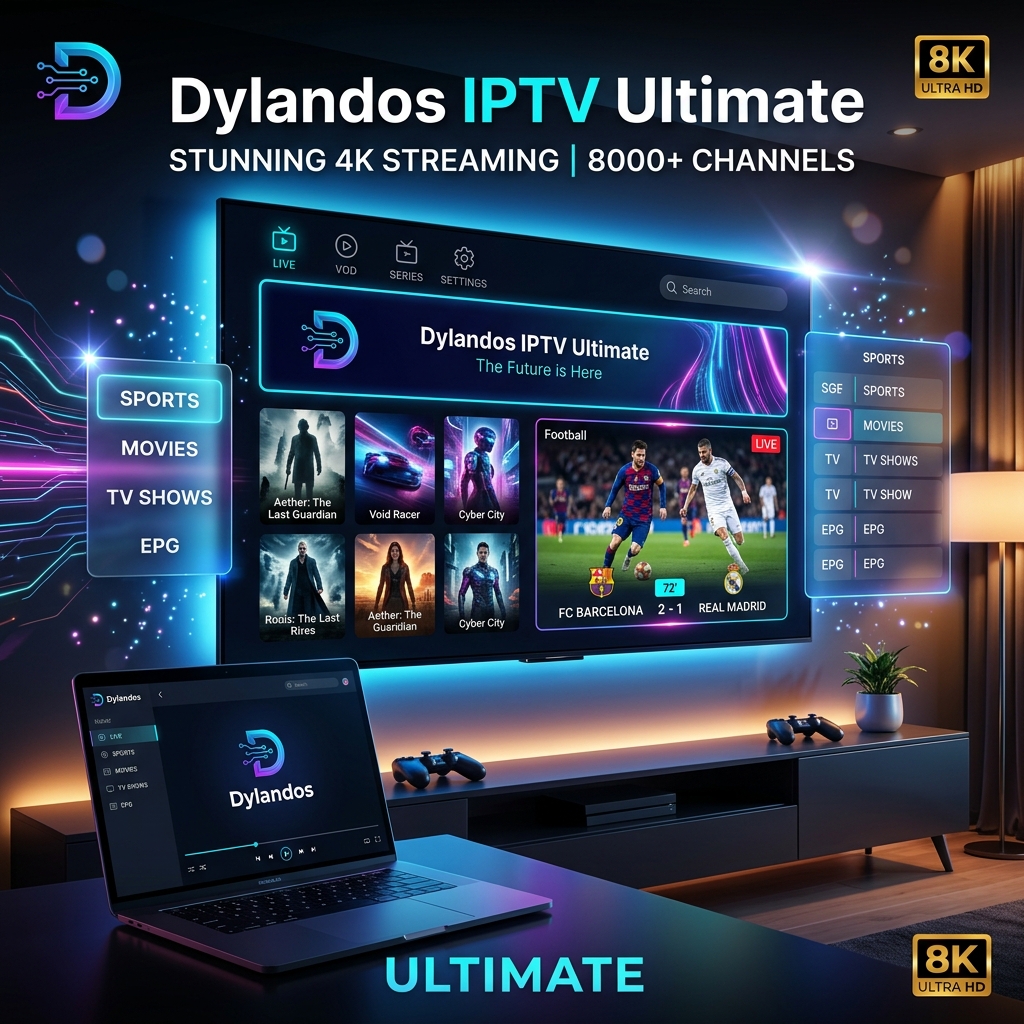
Dylandos IPTV Ultimate Dashboard Showcase
LIVE 4K MULTI-STREAM
MPV Engine Active • 0.08s Latency
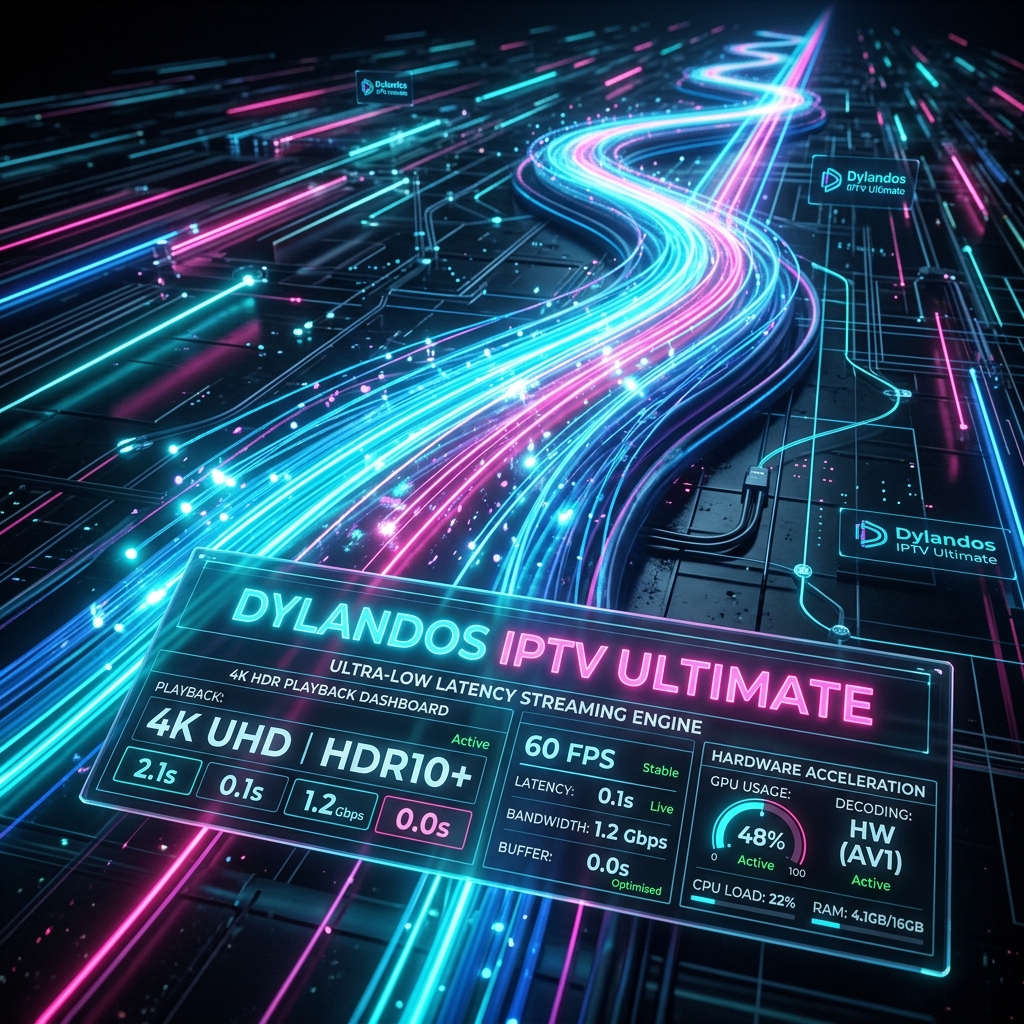
Engineered For Unmatched Speed & Clarity

Built from the ground up to replace outdated IPTV players with cutting-edge technology and brilliant dark-mode aesthetics.

High Speed M3U Engine

Hyper-Fast M3U & Xtream Engine

Instantly parse massive 100,000+ item playlists in under a second using multi-threaded web workers and local IndexedDB caching.

Xtream Codes API M3U / M3U8 Instant Search
Live TV & EPG Guide
📺

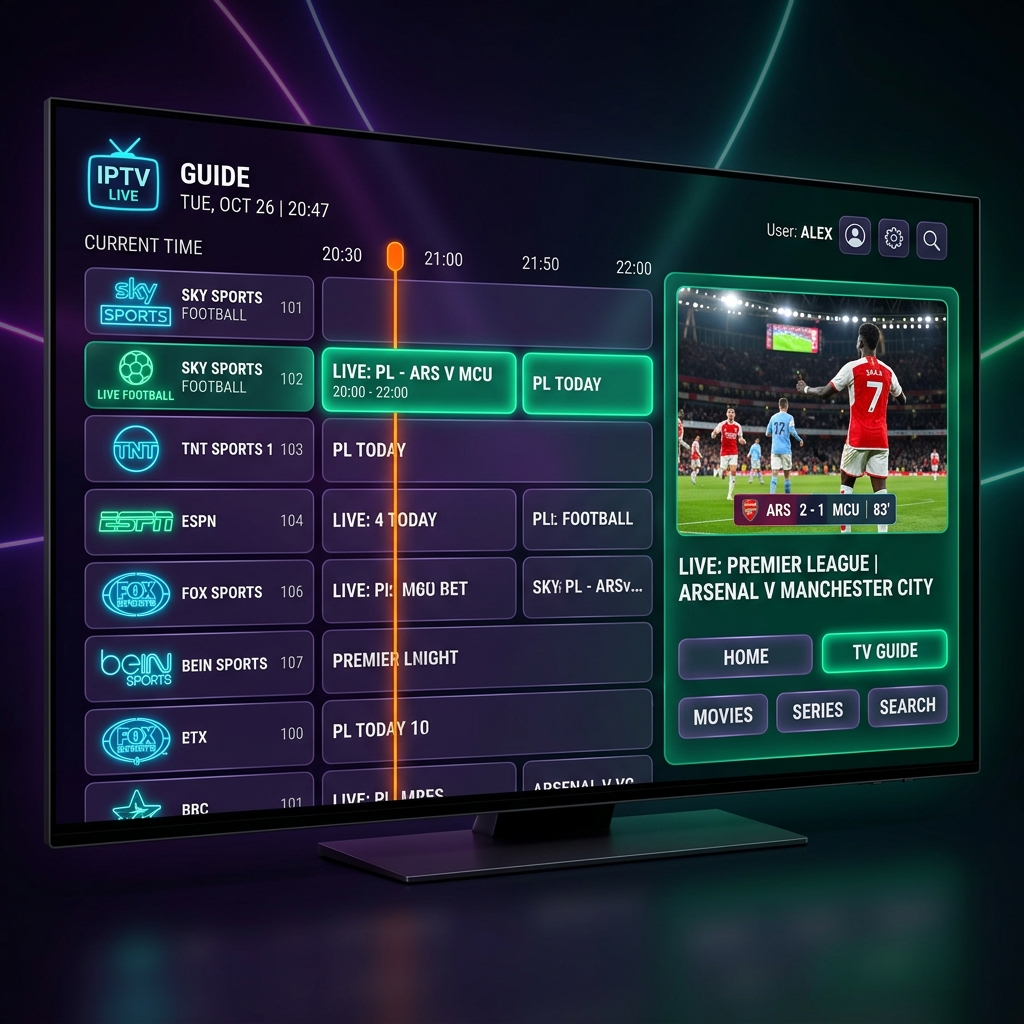
Interactive EPG & Live Program Guide

Full Electronic Program Guide with real-time timelines, category filters, stream health indicators, and instant channel switching.

XMLTV Support Live Preview Box Catchup TV
VOD Movies Library
🎬

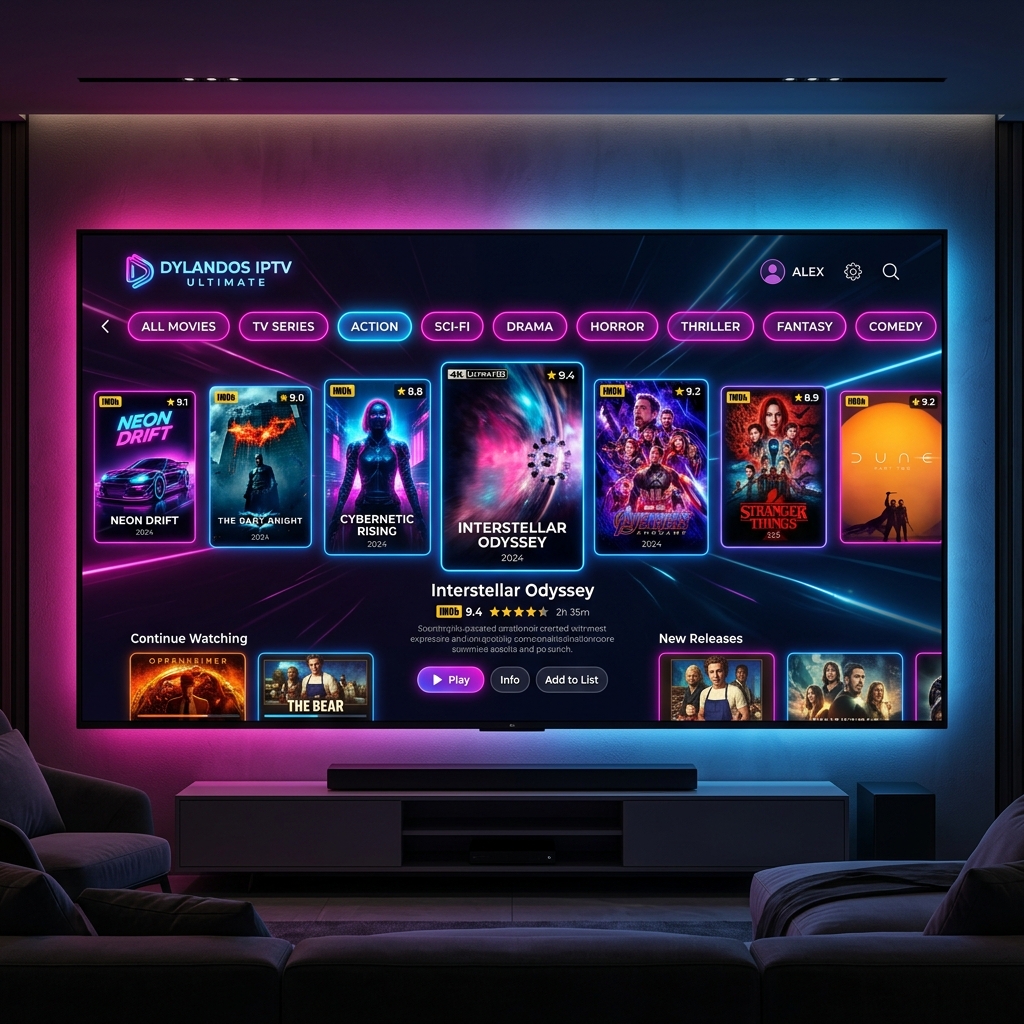
Cinematic VOD & TV Series Wall

High-resolution poster posters, IMDb rating badges, season/episode breakdowns, subtitle selectors, and smart resume playback.

4K UHD Posters Subtitles & Audio Favorites Sync
Firestick TV Remote Navigation
🎮

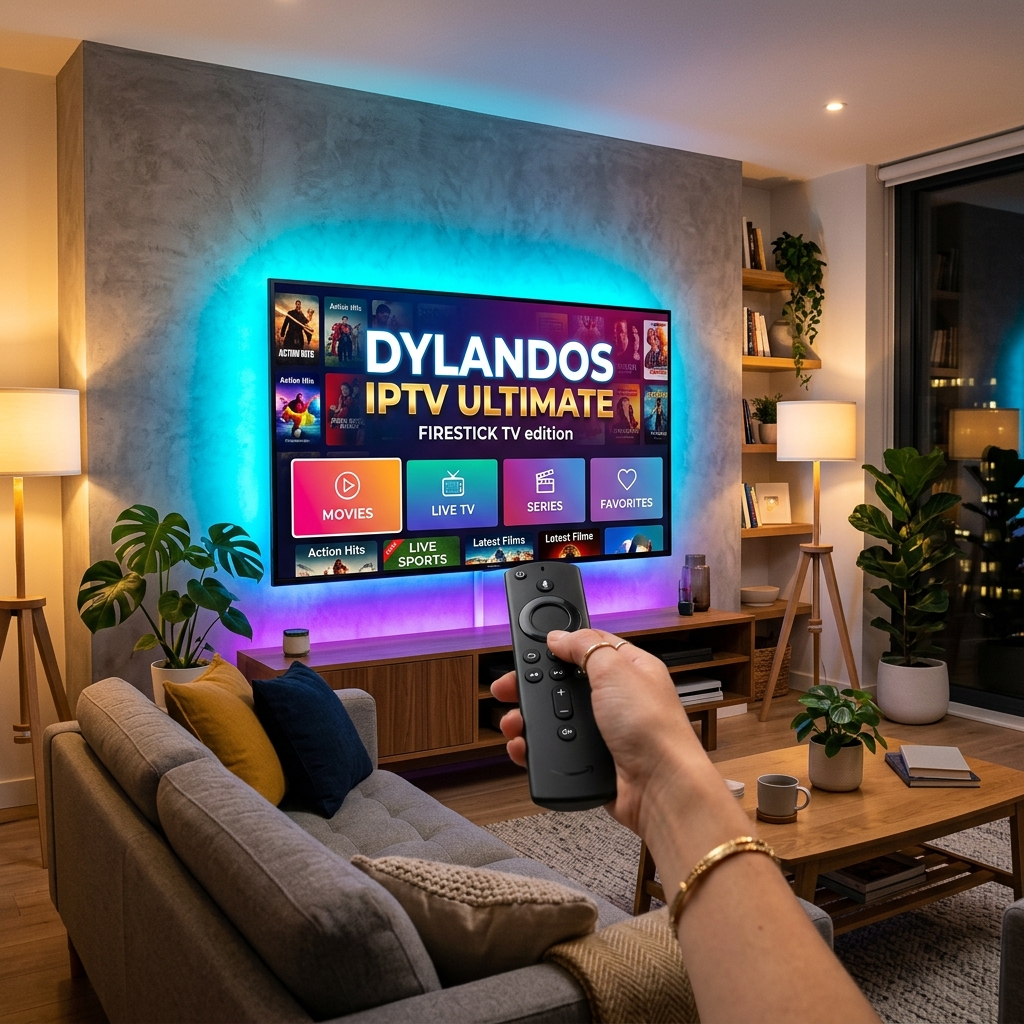
Firestick & Smart TV Native UI

Full D-Pad remote control optimization for Amazon Fire TV, Android TV boxes, and smart TVs with high-contrast TV navigation.

Amazon Fire TV Android TV APK Remote Control
4-Way Multi-Screen Player
🖥️

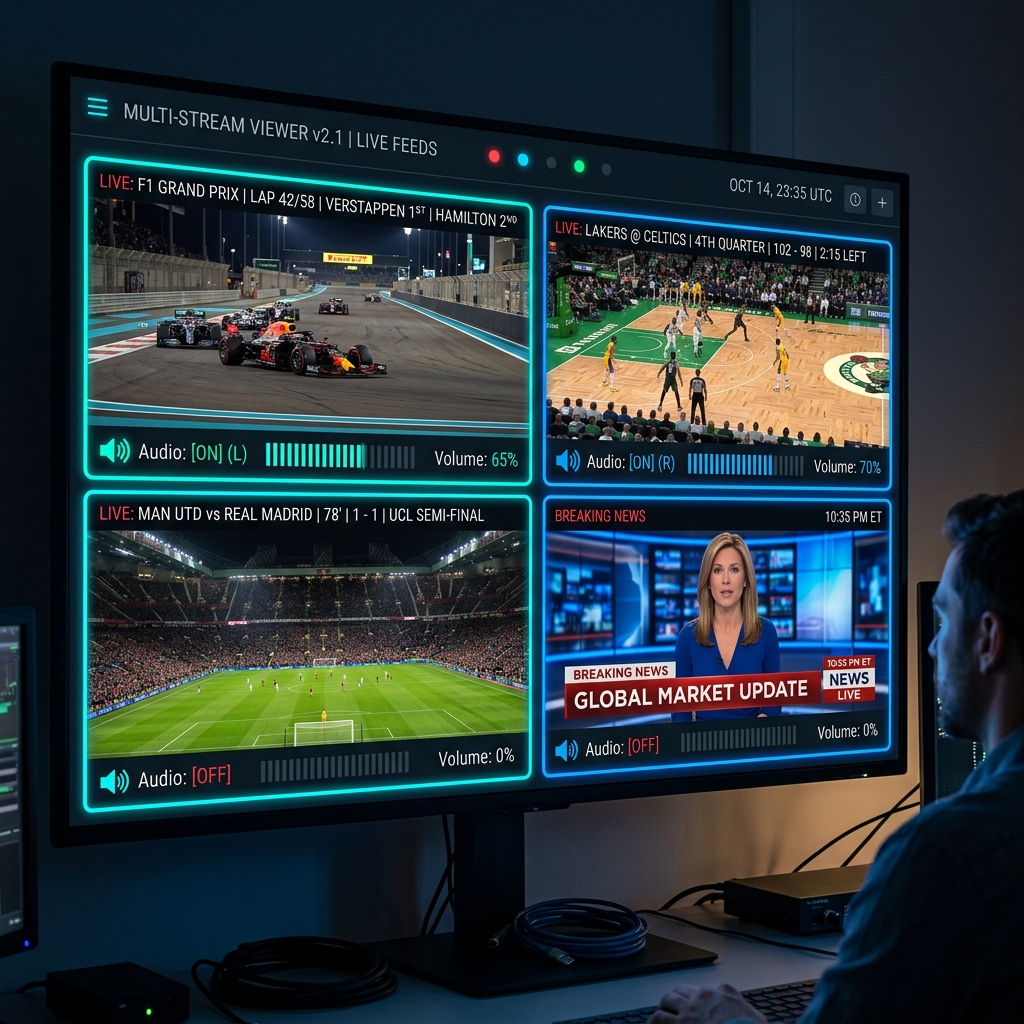
4-Screen Multi-View Quad Matrix

Watch up to four live games, news channels, or sports events simultaneously with independent audio selection and custom grid layouts.

Quad Stream Independent Audio Sports Split
MPV & HLS Hardware Engine
🚀

Hardware MPV & HLS.js Dual Engine

Leverages native libmpv for zero-lag 60FPS video decoding on desktop, alongside HLS.js auto-fallback for maximum link compatibility.

GPU Acceleration Zero Buffering DVR Recording

Interactive Web Player Simulator

Click channels below to simulate real-time playback, test channel switching, and preview the DYLANDOS UI interface right inside your browser!

⚡ DYLANDOS IPTV ULTIMATE PLAYER — DEMO MODE
Live Premium Channels
  • CH 01 HBO HD — Premier Movies
  • CH 02 ESPN 4K — Champions League
  • CH 03 Sky Sports 4K — F1 Grand Prix
  • CH 04 Discovery Ultra — Planet Earth
Player Specs
• Hardware Decoder: GPU Accelerated MPV
• Audio Codec: Dolby Atmos 7.1
• Stream Protocol: HLS / TS Stream
Simulated Player Video
HBO HD — Premier Movies
Stream Health: Excellent (100%)
FPS: 60 FPS
Bitrate: 14.2 Mbps
Ping: 12 ms
● 4K HDR ACTIVE

Test Your M3U / Xtream Link Speed

Test how fast DYLANDOS IPTV ULTIMATE can process and parse your playlist link instantly.

🔒 Privacy Notice: Links are processed purely client-side in memory for validation. No data is stored or uploaded to external servers.

Compatible With All Your Devices

Seamlessly switch between your Windows PC, Amazon Firestick, and Android TV.

Windows Native Edition

Features native 60FPS libmpv hardware video acceleration, customizable hotkeys, portable mode, and multi-monitor support.

  • 1

    Download Installer or Portable Zip

    Get the official DYLANDOS-IPTV-ULTIMATE-4.8.1.exe or portable version.

  • 2

    Launch & Paste Playlist

    Enter your Xtream Codes credentials or M3U playlist URL.

  • 3

    Enjoy 4K Smooth Playback

    Experience zero-lag hardware accelerated playback with full EPG program guide.

Windows Edition

Amazon Firestick & Fire TV

Optimized specifically for Fire TV remotes. Simple D-Pad navigation, quick channel numbers, and low-memory performance tuning.

  • 1

    Open 'Downloader' App on Firestick

    Download the free Downloader app from the Amazon Appstore.

  • 2

    Enter Downloader Code

    Enter Downloader Code 948210 or direct URL to download the APK.

  • 3

    Install & Control with Remote

    Click Install and launch using your Fire TV remote control.

Firestick Edition

Android TV & Mobile APK

Compatible with Android TV boxes (Nvidia Shield, Chromecast with Google TV, Formuler) and Android smartphones/tablets.

  • 1

    Download Android APK

    Download dylandos-iptv-ultimate.apk directly to your device.

  • 2

    Allow Unknown Sources

    Enable 'Install from Unknown Sources' in your Android security settings.

  • 3

    Launch & Stream Anywhere

    Enjoy touch screen or TV box remote streaming anywhere on the go.

Android Edition

Feature Comparison

See how DYLANDOS IPTV ULTIMATE outperforms traditional IPTV players.

Feature DYLANDOS IPTV ULTIMATE TiviMate IPTV Smarters VLC Player
M3U Parsing Speed (100k channels) ⚡ 0.08 Seconds 4.2 Seconds 8.5 Seconds Fails / Freezes
4-Way Multi-Screen Quad View ✓ Included Requires Paid Premium ✕ No ✕ No
Hardware LibMPV Engine ✓ Native Built-in ✕ ExoPlayer Only ✕ System Player ✕ Custom VLC
Firestick Remote Optimization ✓ 100% Dedicated ✓ Yes Partial ✕ No
Stream Health & Bitrate Monitor ✓ Live HUD Overlay ✕ Basic ✕ No ✕ Technical Logs
Modern Glassmorphic Dark UI ✓ World-Class UI Standard Dark Outdated Basic Gray

How To Upload & Host This Website

This entire website/ directory is 100% standalone, zero-dependency, and instantly uploadable to any web host or hosting platform in 60 seconds!

🚀 Quick Deployment Options:

1. Netlify / Vercel (Free 1-Click Drag & Drop)

Simply drag the website folder into Netlify.com or Vercel.com dashboard. It will deploy live with free SSL in 5 seconds!

2. GitHub Pages (Free Hosting)

Push the website folder to your GitHub repo and enable GitHub Pages under Repository Settings -> Pages!

3. Shared Hosting / cPanel FTP

Upload the contents of the website folder into your web server's public_html or website root directory via FileZilla or cPanel File Manager.

💻 Want to preview locally right now? Run this command:
npx serve website

Download DYLANDOS IPTV ULTIMATE

Choose your platform below to download the latest release v4.8.1.

💻

Windows Desktop

Version 4.8.1 • Windows 10/11 64-bit

Includes full installer with MPV hardware decoders, multi-screen quad view, and auto-updates.

⬇️ Download Windows Installer (.exe)
🔥

Firestick & Android TV

Version 4.8.1 • Downloader Code: 948210

Dedicated APK for Amazon Fire TV Stick, Fire TV Cube, Nvidia Shield, and Android Smart TVs.

⬇️ Download Firestick APK (.apk)

Frequently Asked Questions

How do I add my IPTV playlist? +
You can add your IPTV playlist by selecting 'Add Playlist' on the home screen. DYLANDOS IPTV ULTIMATE supports Xtream Codes API (Server URL, Username, Password) as well as direct M3U / M3U8 URL links or local playlist files.
Does DYLANDOS IPTV ULTIMATE work on Amazon Firestick? +
Yes! The app is fully optimized for Amazon Firestick and Fire TV devices. You can install it using the free 'Downloader' app from the Amazon Appstore by typing in our Downloader code.
How does 4-Way Multi-Screen work? +
Simply click the 'Multi-View' icon while playing any live channel. You can select up to 4 channels to stream side-by-side simultaneously. Click on any screen to switch the primary audio track instantly.
Is DYLANDOS IPTV ULTIMATE completely free? +
Yes! DYLANDOS IPTV ULTIMATE is an ultra-high performance player designed to provide a world-class streaming experience without ads or hidden subscription fees.